Log In to r222
Enter your registered mobile number and password. New here? Create a free account in under two minutes.
Don't have an r222 account yet?
Register Now — It's Free18+ only · Play Responsibly · SSL secured connection
Quick Login Facts
- Log in with your registered mobile number and password.
- Session stays active for 24 hours if you tick "Remember me."
- All connections are SSL encrypted. r222 never asks for your password via chat.
- 24/7 live chat available if you can't get in.
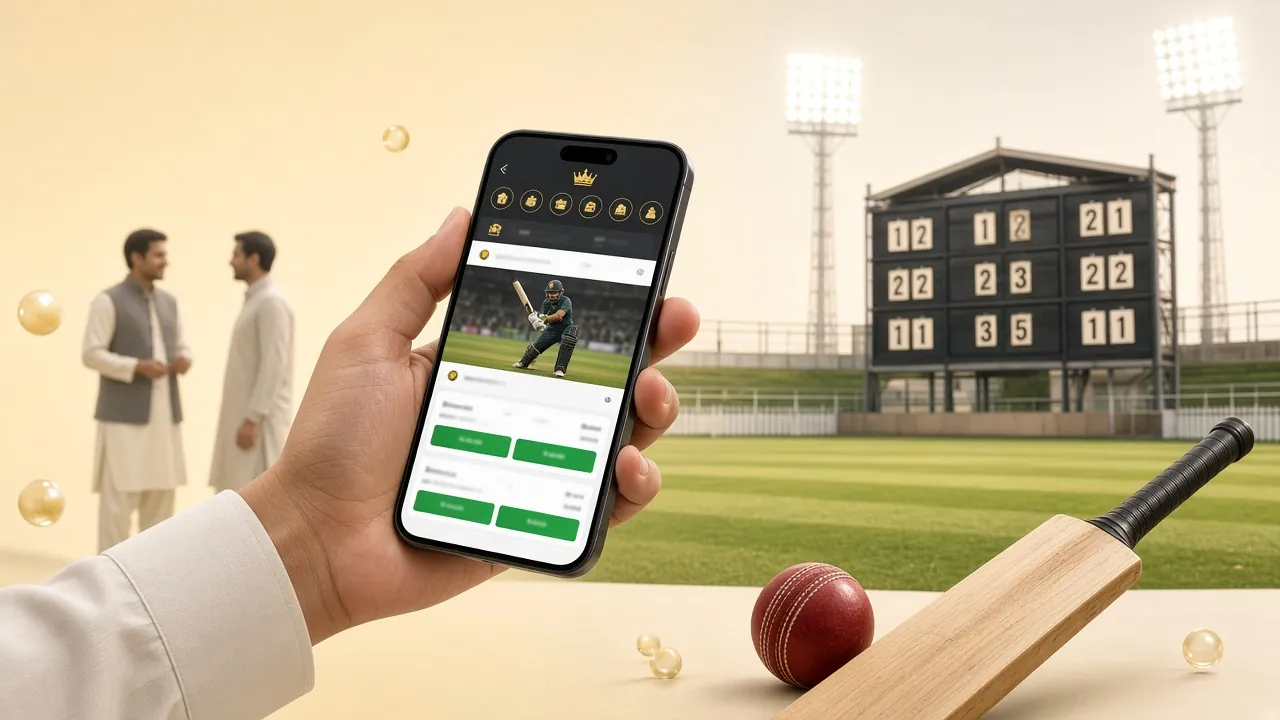
Prefer the App?
The r222 App (v3.3.4) lets you log in with Face ID or fingerprint on supported Android devices. Free download, 36 MB, requires Android 8.0+.
Download r222 AppHow Does r222 Login Work on Mobile?
-
1
Open the r222 Login Page or App
Go to r222.live/r222-login/ in your mobile browser, or open the r222 App you downloaded. Both take you to the same account — your balance, bets and history are identical across browser and app. No need to create separate accounts.
-
2
Enter Your Mobile Number
Type the 11-digit mobile number you used when you registered. This is your login ID — not your bKash wallet number, but the phone number you gave during sign-up. If you registered with a Nagad or Rocket SIM, use that exact number. Double-check the first two digits (01).
-
3
Enter Your Password and Submit
Type your password — it is case-sensitive, so check Caps Lock first. Tick "Remember me" if you are on your personal phone and don't want to type the password every session. Then tap Log In. The page loads your lobby within a few seconds on a 4G connection.
-
4
Verify with OTP (If Prompted)
On a new device or after a long absence, r222 may send a one-time code to your registered number. Enter it within 3 minutes. If the SMS is delayed, tap "Resend OTP" once. Still no code after two attempts? Contact 24/7 live chat for instant help — have your mobile number ready.
Can't Log In? Find Your Answer Here
Most r222 login problems have a simple fix. Find your situation in the table below and follow the solution. If none of these work, open the 24/7 live chat directly from the login page.
| Problem | Likely Cause | Fix It |
|---|---|---|
| "Wrong password" error appears | Password entered incorrectly — check Caps Lock or autocomplete filling the wrong saved password | Turn off Caps Lock, clear the field and type manually. If you've forgotten the password completely, use the "Forgot password?" link to reset via SMS OTP. |
| OTP SMS not arriving | SMS delay from carrier, or the registered SIM is in a different phone or switched off | Wait 60 seconds and tap "Resend OTP." Make sure the SIM registered with r222 is active and has network signal. Switching to Wi-Fi can sometimes trigger delivery. |
| Account temporarily locked | Too many failed login attempts in a short period trigger an automatic 15-minute lock | Wait 15 minutes, then try again with the correct password. Do not keep trying during the lock — each attempt resets the timer. Contact live chat if the lock persists beyond 30 minutes. |
| Page loads but button does nothing | Browser cache conflict or an outdated page version | Hard-refresh the page (hold Shift + tap reload on Android Chrome). If that doesn't work, clear browser cache and cookies, then reload. The r222 App avoids this issue entirely. |
| "Account not found" message | Mobile number typed with wrong format, or account was registered under a different number | Check that you are entering 11 digits starting with 01. If you are unsure which number you used at registration, contact support with your bKash/Nagad number for verification. |
| Logged out immediately after login | Browser is blocking third-party cookies, or a VPN is causing session conflicts | Allow cookies for r222.live in your browser privacy settings. If you are using a VPN, disable it — the r222 platform detects location mismatches and ends the session for security reasons. |
Five Habits That Keep Your r222 Account Safe
Use a Unique Password
Don't reuse your bKash PIN or Facebook password for r222. A unique password with mixed letters and numbers means a breach on another platform can't affect your betting account. Change it every few months as a habit.
Keep Your SIM Active
Your registered mobile number is your recovery key. If you switch SIMs or lose the number, update it via live chat before the old SIM expires. Without access to that number, password resets can't be completed by SMS OTP.
Avoid Public Wi-Fi for Login
Café and bus station Wi-Fi networks can be monitored. If you must use public Wi-Fi, log out immediately after finishing and avoid saving your password in the browser on a shared device. Use mobile data when possible.
Never Share Your Credentials
r222 support staff will never ask for your password, OTP, or bKash PIN — by chat, SMS, or phone. If anyone claiming to be r222 asks for this, it is a scam. Report it immediately via the official 24/7 live chat on the r222 login page.
Log Out on Shared Devices
If you log in from a friend's phone or a shared tablet, always tap the logout button when you're done. The "Remember me" option is convenient on your personal phone, but on any other device it leaves your account accessible to anyone who opens the browser. Your account balance and withdrawal methods are exposed if you forget to log out.
Which r222 Login Method Works Best for You?
r222 supports three ways to access your account. All three reach the same account — your choice depends on your device and situation.
| Login Method | How It Works | Best For | Notes |
|---|---|---|---|
| Mobile Number | Enter your 11-digit number and password on the web login form | Any device with a browser — phone or desktop | Works on all browsers. No app installation needed. OTP verification on new devices. |
| Username | If you set a custom username during registration, you can use that instead of your mobile number | Players who prefer not to type their phone number on shared screens | Username must be set up in account settings after registration. Mobile number login always works as fallback. |
| r222 App | Android app (v3.3.4, 36 MB) with biometric login on supported devices | Daily players who want one-tap access and push notifications for cricket matches | Requires Android 8.0+. Free download. App remembers login; fingerprint or PIN optional. |
New to r222? You'll need an account first. Register here — it takes under two minutes with just your mobile number.
Forgot Your Password? Here's How to Reset It
If you can't remember your r222 login password, the reset takes about two minutes. Your registered mobile number must be active to receive the OTP.
-
1
Tap "Forgot Password?" on the Login Page
Below the password field on the r222 login form, tap the "Forgot password?" link. You'll be directed to the password reset screen. Enter your registered 11-digit mobile number and confirm. A one-time code will be sent to that number via SMS within 60 seconds.
-
2
Enter the OTP and Choose a New Password
Type the 6-digit code from the SMS into the verification box. Codes expire after 3 minutes — if yours times out, tap "Resend." Then type your new password twice. Use at least 6 characters; a mix of letters and numbers works best. Do not reuse an old password.
-
3
Log In with the New Password
After saving the new password, you'll return to the r222 login screen automatically. Enter your mobile number and the new password to get in. If you are using the r222 App, update the saved password there too so autofill doesn't send the old one and trigger a failed-attempt lock.
r222 Login — Questions Players Ask Often
Jump to a Question
Can I log in to r222 without a password?
Not through the standard web form — you need both your mobile number and password. However, if you use the r222 App on Android, you can enable biometric login (fingerprint or face recognition) after your first password-based login. That lets you get in with one touch. The biometric option is in the app's Settings menu after you sign in once.
Why does r222 ask for an OTP every time I log in?
r222 only asks for an OTP when it detects a new browser, a new device, or a different network location from your usual login. This is a security check, not a routine step. If you are logging in from your regular phone on the same mobile data connection, you will typically go straight to the lobby without OTP. Enabling "Remember me" on the login form reduces how often this triggers.
I changed my phone — can I still log in to r222?
Yes. Your r222 account is linked to your mobile number and password, not to a specific device. On the new phone, go to r222.live/r222-login/, enter your number and password, and complete the OTP verification that r222 sends to your SIM (which should be in your new phone). After that, your account, balance, and history are fully accessible. Download the r222 App again separately — it's not transferred automatically.
Can two people share one r222 account?
No. Each r222 account is for one person only, verified by a single mobile number. Sharing login details violates the terms of service and can result in the account being suspended without notice. Withdrawals also go through KYC verification, which requires the account holder's National ID Card or passport — a shared account cannot pass this check. Each person should register their own account.
Is the r222 login page safe to use on mobile data?
Yes. The r222 login page runs over HTTPS with SSL encryption, which protects your credentials whether you're on Grameenphone, Robi, Banglalink, or Teletalk mobile data. The connection is encrypted end-to-end, so your password and OTP code cannot be intercepted in transit. Mobile data is actually safer than public Wi-Fi for logging into financial platforms, so it is the recommended choice if you are outside your home.
I lost access to my registered mobile number — what can I do?
Contact r222's 24/7 live chat as soon as possible. The support team can verify your identity using your account details (name, date of birth, last deposit method and amount). Once verified, they can update the registered mobile number to your new SIM. This process can take up to 12 hours because it involves a manual identity check. Keep your bKash or Nagad transaction history handy — it speeds up verification significantly.
Ready to Play at r222 Casino?
Once you're logged in, over 3,200 games are waiting — from JILI fishing and Spribe crash to Pragmatic Play slots. Deposit with bKash or Nagad (minimum ৳500) and funds arrive in under 5 minutes.
18+ · Play Responsibly · bKash · Nagad · Rocket · Upay
Not registered yet?
Creating an r222 account takes under two minutes. You need only your mobile number — no email required.
Register Now- SSL Encrypted
- 18+ Only
- 24/7 Support
- bKash
- Nagad
- Rocket
- Upay
- Play Responsibly